
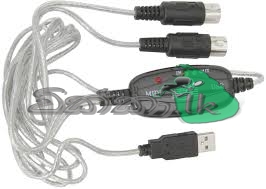


Description:
100% brand new and high quality
It’s easy to turn your PC into a music studio. Start by connecting an electronic musical instrument to your computer with the supplied USB MIDI cable. Within minutes you’ll be able to play songs while they are being recorded on your PC! With appropriate software, you can overdub additional instruments, then edit, mix and even print sheet music of your final compositions.
Latest model with a builtin driver. True Plug & Play NO DRIVER INSTALLATION NEEDS. 1 in and 1 out MIDI interface.
16 MIDI input channels and 16 MIDI output channels.
LED’s indicate power in, MIDI in signal and MIDI out signal. Usb bus powered; Requires no external power.
Supports Windows XP, Vista Win7 and Mac OS X operating systems
Instructions for Use:
1.Connect the cable marked “IN” to the MIDI “OUT” socket of a MIDI keyboard(or MIDI device)
2.Connect the cable marked “OUT” to the MIDI “IN” socket of a MIDI keyboard(of MIDI device)
3.Plug the USB cable into any free USB socket on your computer, the red LED will light to show power on
4.Open your music software program, e.g. Cubase, Sonar, MIDI Connections, ect
5.Set the music programs MIDI in and MIDI Out devices to “USB Audio Device”
6.Your USB to MIDI interface is now ready for use
7.To save potential problems, it is recommended that this interface is always connected to the same USB as it was originally installed on to prevent multiple installations of the driver


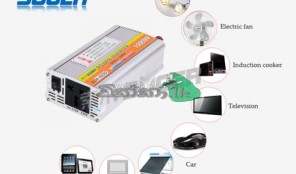 1000w power inverter
 Apple iphone 5c 8GB Original
  Kia Sorento 2012
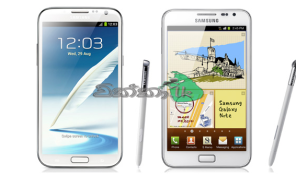 Samsung Note full set Original

 Quantity Surveyor – Sri Lanka
  House For Sale Baddegama
 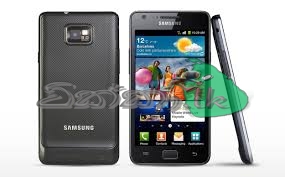 Samsung GALAXY S ll Original
  House For Rent Athurugiriya